1891 · Game Lab
Twenty-six games, driven by fingerspelling in ASL.
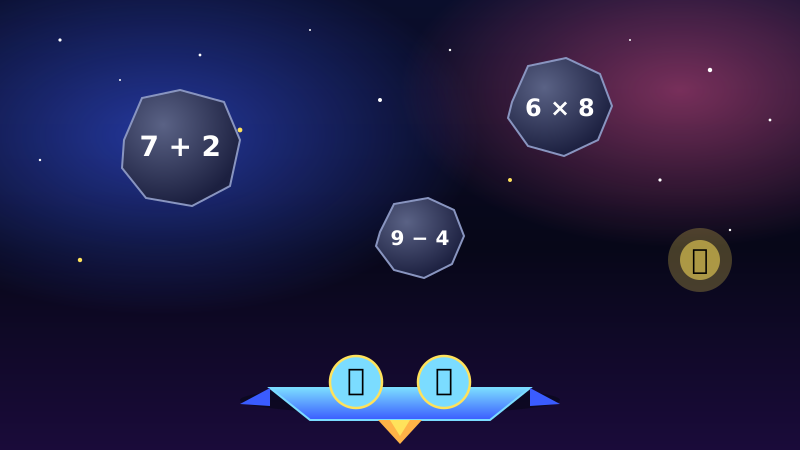
You fingerspell and sign your answers in ASL. The first games teach the alphabet; the rest put it to work on real subjects — math, the periodic table, state capitals, the planets. Star Patrol leads: a space blaster you beat by signing the answer before the rock lands.
Free in a browser. Captions on, keyboard fallback, no install.
 ▶ Try Star Patrol
Live, on this page
Give Star Patrol a go right here.
Turn on your camera and sign the answer to blast the rock. No account, no install — it runs in this browser tab.



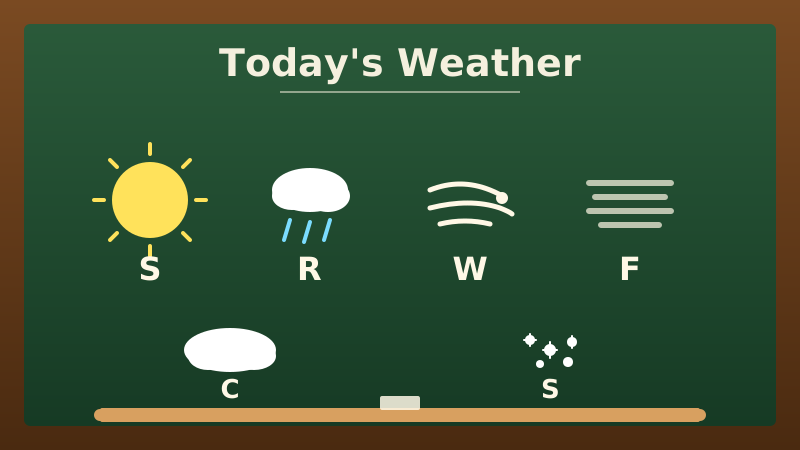

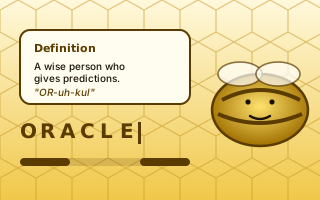
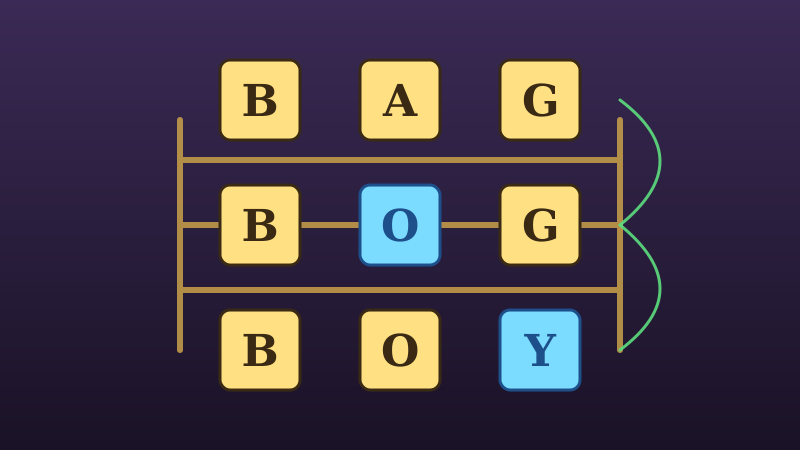
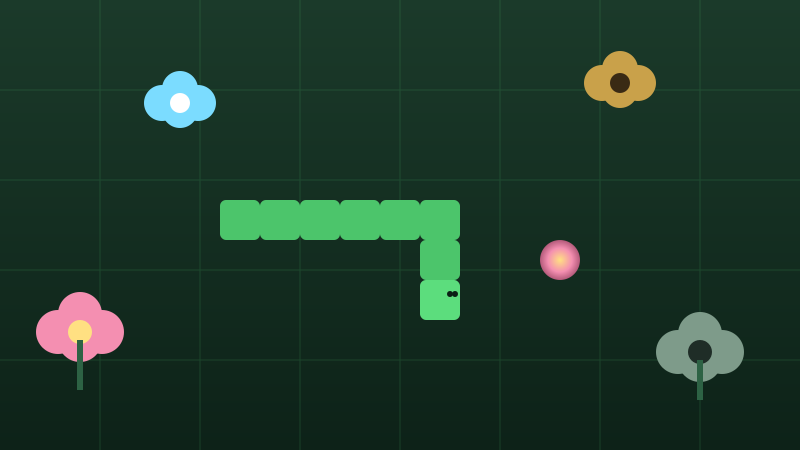

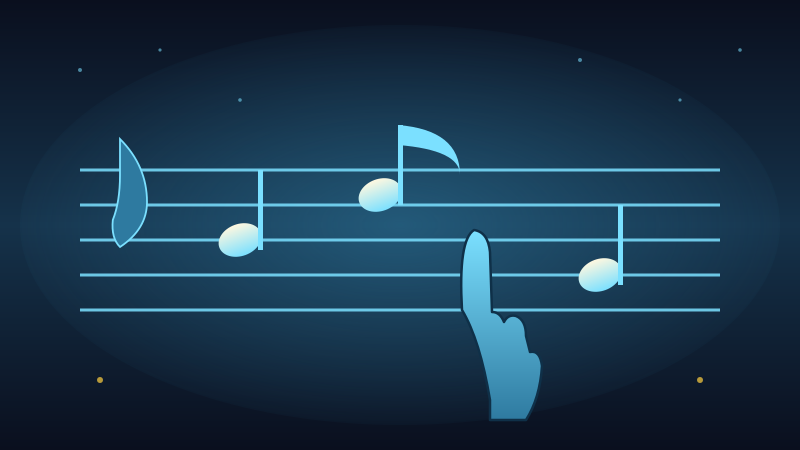

How it works
Learn the alphabet, then answer with it.
Games that scaffold: learn the fingerspelled alphabet, then put those letters to work across the curriculum.
Learn the alphabet
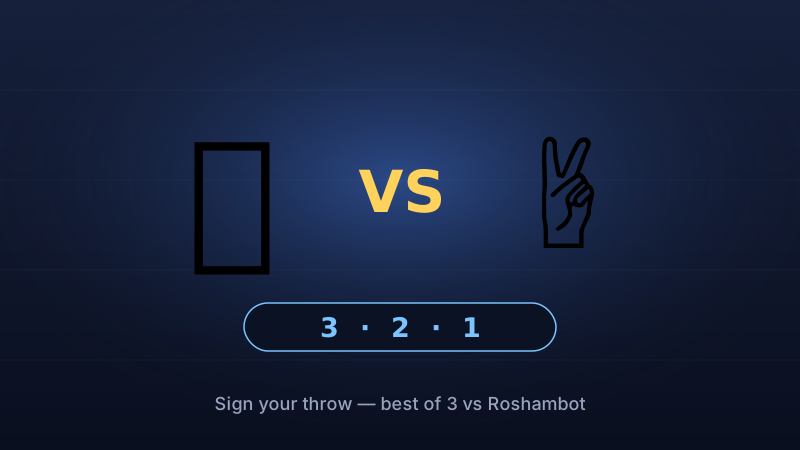
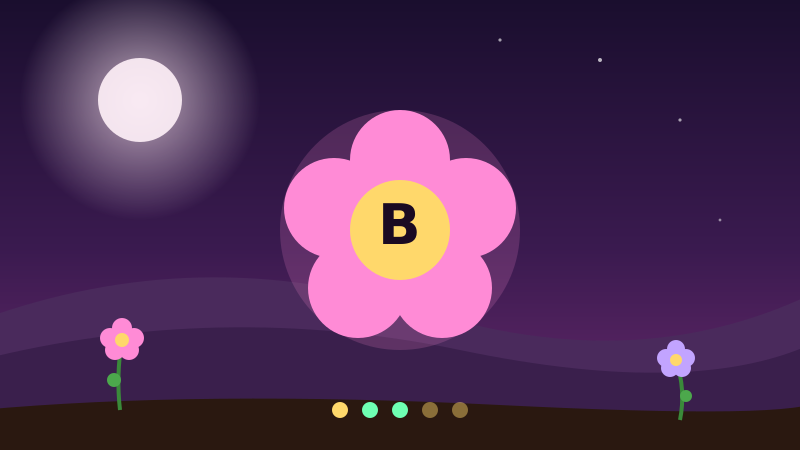
Letter Trainer and Speed Sign teach you to fingerspell A–Z and drill it to speed. The camera reads your fingerspelling, with a recognizer trained on Deaf signers.
Sign to answer
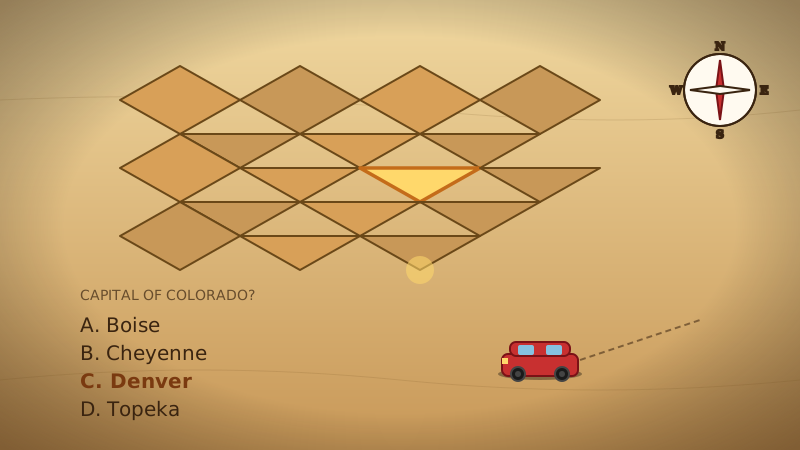
Then twenty-plus games use that alphabet to teach a subject — sign Fe for iron, spell a capital, sort the planets, blast an asteroid. Same input, real content.
Pick your level
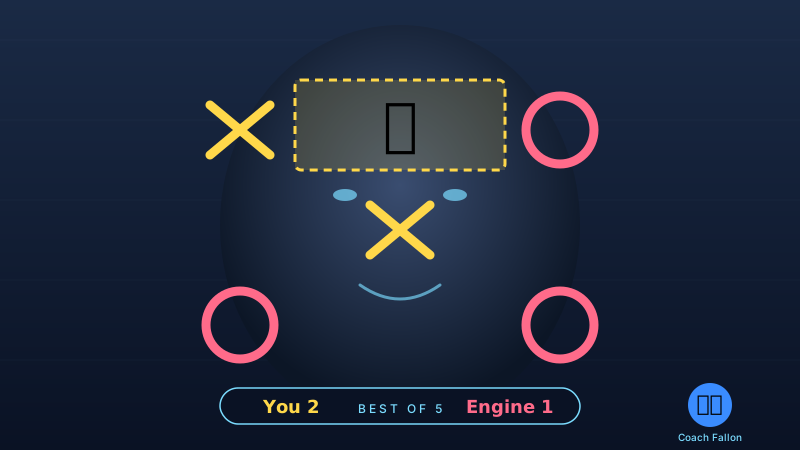
Most games run Easy, Normal, or Hard, with subject categories and a daily streak to keep it honest.
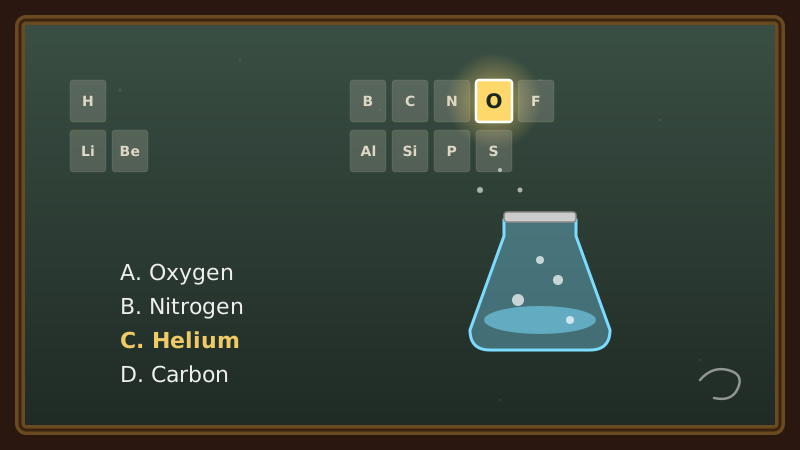
Real subjects, one alphabet
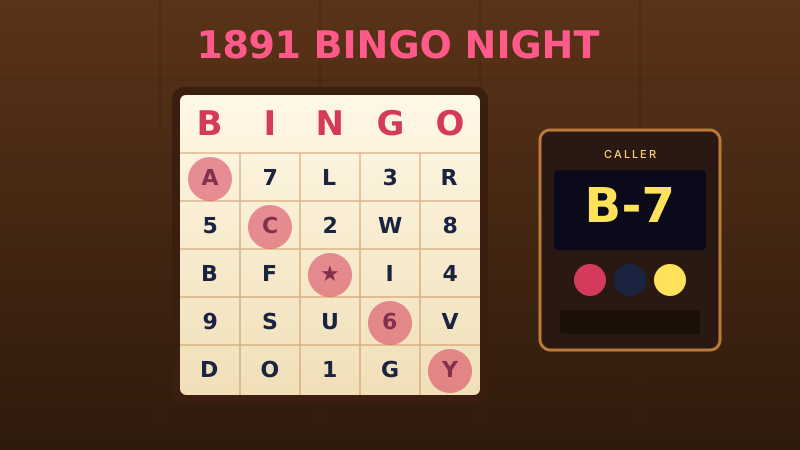
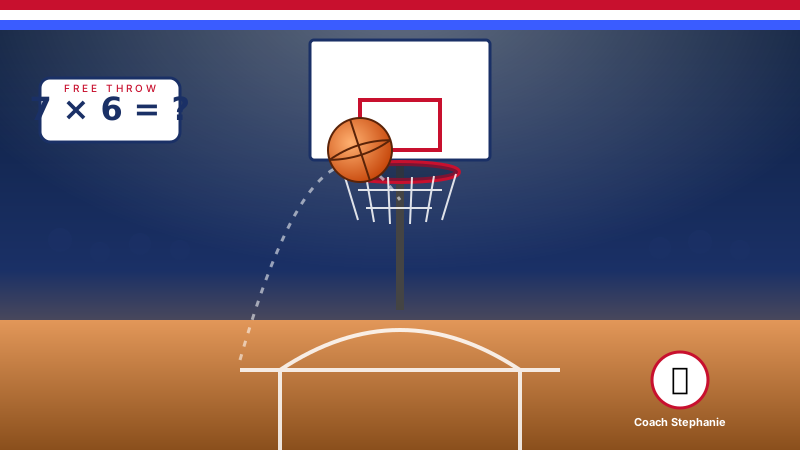
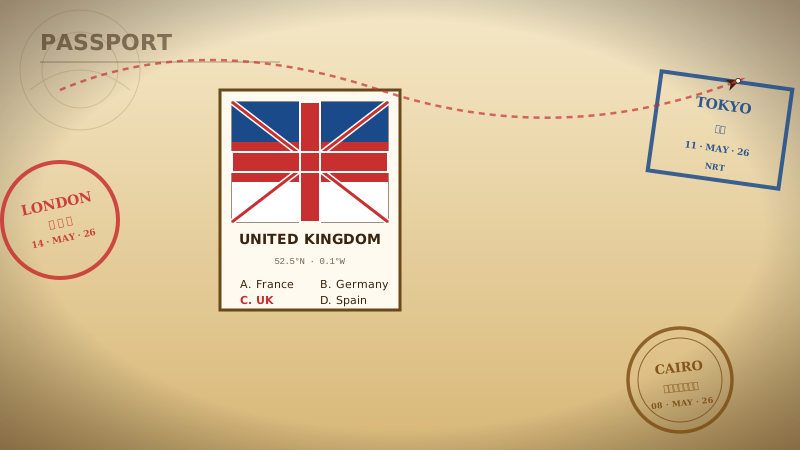
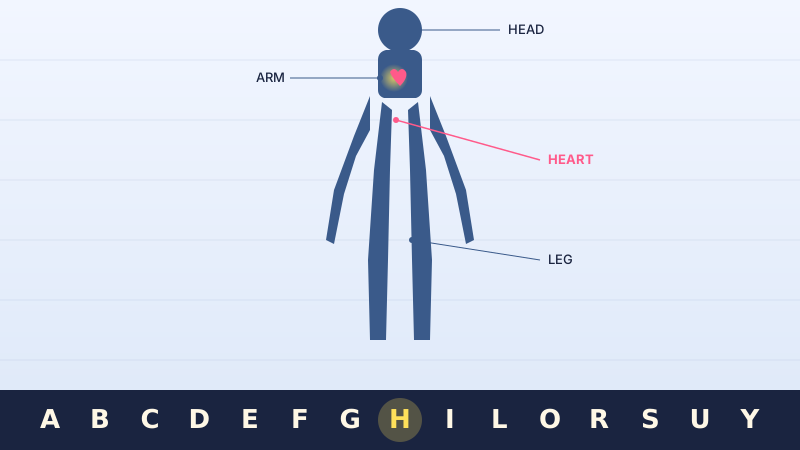
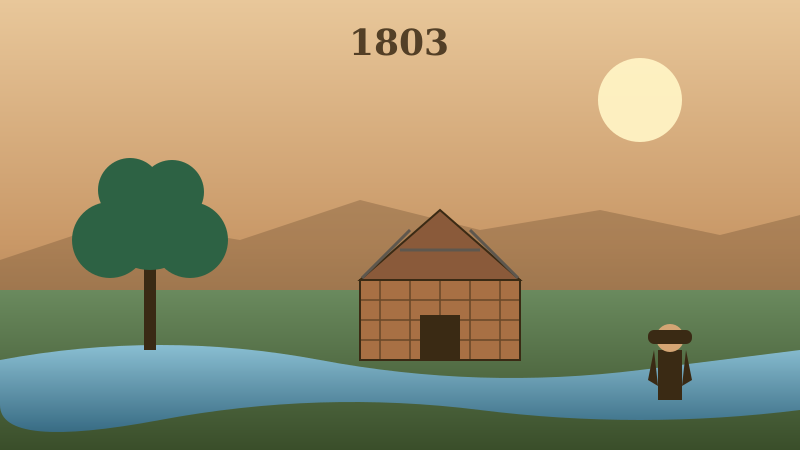
Spelling, the periodic table, state capitals, the planets, fractions, anatomy, constellations, free-throw math — each game teaches real content, and you sign your answers in ASL. Drill the alphabet once; spend it everywhere.
26 games today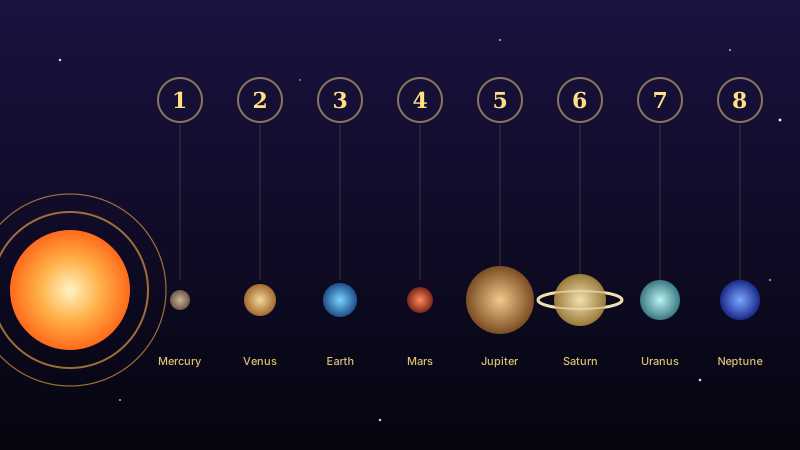
Made for a real class
The classroom plan adds a teacher dashboard with per-letter progress, leaderboards scoped to the class instead of the whole internet, curriculum tie-ins by subject, and grade passback to the gradebook over LTI 1.3. Camera-driven games that still land in the system you already grade in.
Classroom plan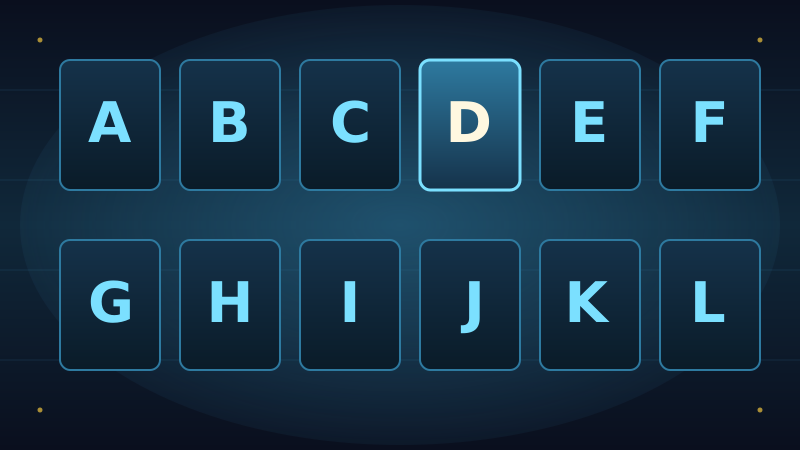
No one sits out
Every game runs with the speakers muted, captions are on by default for anything spoken, and a keyboard fallback means a student without a working camera can still press A–Z and join in. Access is the floor, not an add-on.
Who it's for
Built for the classroom — and anyone who wants in
Classrooms & teachers
A per-classroom subscription adds a teacher dashboard, class-scoped leaderboards, curriculum tie-ins, and grade passback to your gradebook over LTI.
Teacher dashboard · LTI 1.3 · roster-scopedASL learners, Deaf & hearing
Whether you're building fingerspelling fluency or just love a good drill, every game is free in a browser — no account, no install.
Free in a browser · captions on · keyboard fallbackMuseums & after-school
A station kids come back to between exhibits, or an after-school program's standing game night — installed and scoped to your space.
Installed kiosk · scoped to your spaceInstallations · in your space
A permanent Game Lab, built into your room.
Beyond the browser and the classroom plan: the studio can build Game Lab into a real space and keep it running.
What an installation actually is
A screen and a camera — a kiosk, a wall, or a cart that travels room to room — that the studio specs, builds, installs, and maintains, scoped to your space and the people who use it. It runs on the device itself: no app to download, no account to make. The games you want, ready to play by signing the moment someone walks up.
Schools & classrooms
A sign-first learning station, or a cart that rolls between rooms — drill the alphabet, then play to learn a subject.
Museums & science centers
A games station kids come back to between exhibits — they leave with the muscle memory of fingerspelling.
Libraries
An all-ages kiosk for the children's floor or a program room — free to play, no account, captions on.
After-school programs
A standing game night that teaches while it plays, scoped to the group and the games they love.
What's included
- The games you want, tuned to your space and ages
- The on-device recognizer — runs on the kiosk, nothing recorded
- Hardware spec'd, sourced, and installed (screen + camera + mount)
- Captions default-on, keyboard fallback, by contract
- Easy / Normal / Hard, with subject categories
- A custom game built for your space, on request
Scoped per space · one-time build + upkeep
Talk to us about an installationOr see all 26 games first.
Pricing
Free in a browser. A subscription for the class. Built around your room.
Every game is free in a browser. Classrooms add the teacher tools; bigger spaces get an install or a game of their own.
Free
For anyone, anywhere
No account · no install
- Every game, in a browser
- Easy / Normal / Hard
- Captions on, keyboard fallback
- Daily streaks & personal best
Classroom
A teacher and their class
Billed per classroom · pay by PO
- Everything in Free
- Teacher dashboard & per-letter progress
- Class-scoped leaderboards
- Curriculum tie-ins by subject
- Grade passback over LTI 1.3
Installed & Studio
Museums, programs & custom games
Scoped per space · quote-based
- Installed kiosk for a museum or program
- Scoped to your space and audience
- A custom game built for your room
- Hardware spec'd, sourced & installed
Whole school or district? See school & district pricing →
Questions
Good to know
Is it really free?
Yes. Every one of the twenty-six games runs free in a browser — no account, no install. The subscription is for the classroom tools: the teacher dashboard, class leaderboards, curriculum tie-ins, and grade passback.
What is Star Patrol?
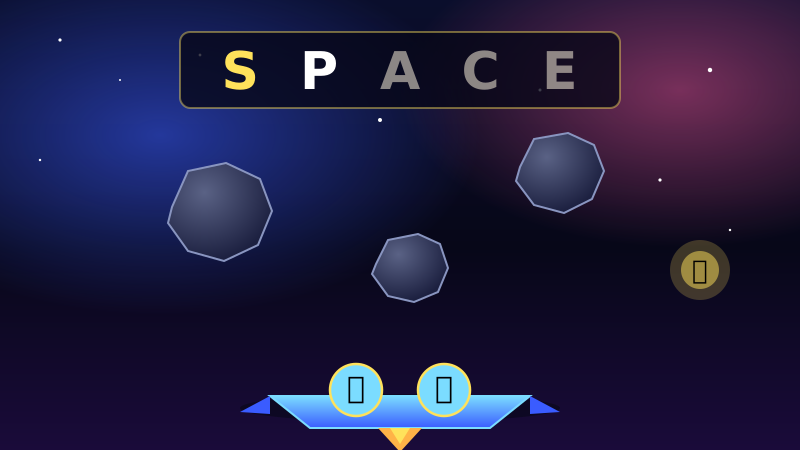
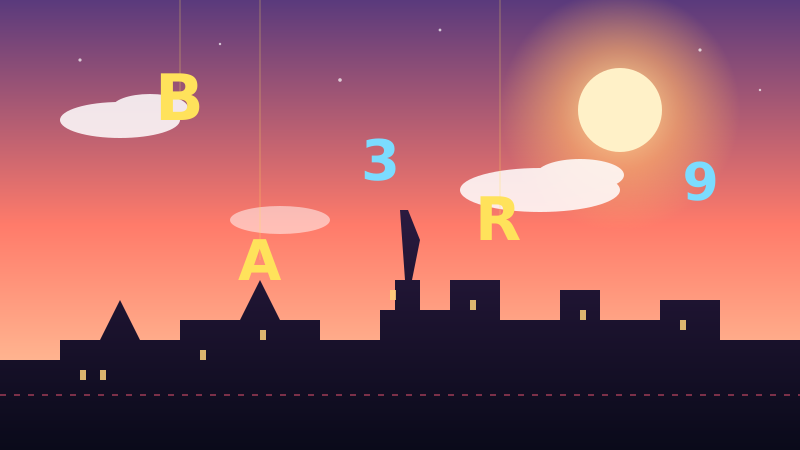
The flagship game and the one to start with. Asteroids drift down carrying equations; you sign the answer to blast the matching rock before it lands. A spelling run has you take out a target word's letters in order. Easy, Normal, and Hard set the pace and how hard it pushes back.
Do students need a camera?
It's better with one, but not required. Every game has a keyboard fallback, so a student can press A–Z if the camera can't read their fingerspelling. Captions are on by default for any audio.
What does the classroom plan add?
A teacher dashboard with per-letter progress, leaderboards scoped to the class, curriculum tie-ins by subject, and grade passback to your gradebook over LTI 1.3. Pricing is on the schools page.
Can we get a game that teaches our thing?
Yes. A custom game — built around your subject, your room, your audience — is a studio engagement. Tell us what you'd want students to practice.
Is it Deaf-first?
It is. The recognizer is trained on Deaf signers, captions are default-on, and a game never depends on sound. Built Deaf-first, which is what makes it work for every learner.